Conversational AI
Conversational AI for Customer Support: When It Works Best
Conversational AI for customer support works best when it has business context, escalation rules, and connected support tools.
12 min read
ReadUse this customer support automation checklist before deploying AI across inboxes, tickets, FAQs, escalations, and customer follow-ups.
customer support automation checklist is a high-intent topic because customer service teams are under pressure to respond faster without creating risky, fully automatic replies. Gartner reported that 91% of customer service leaders felt pressure to implement AI in 2026, which makes practical deployment content more useful than generic AI hype.
A checklist prevents the most common AI support mistake: automating before the business has defined the support rules.
This article is written for founders, operators, ecommerce teams, agencies, and service businesses that want customer support automation connected to real tools, not a standalone chatbot that creates another inbox to manage.
A customer support automation checklist is a launch-readiness list that confirms the business has the right use case, data, tools, approvals, escalation rules, and measurement before AI touches support work.
The important distinction is that deployment is not the same as buying software. A support workflow needs a trigger, customer context, business rules, connected tools, approval boundaries, escalation paths, and a report that shows what happened.
Dooza builds and runs AI employees for this: a Dooza engineer sets up AI employees and workflows that handle email support, summaries, routing, FAQ-style drafts, follow-ups, and handoffs. Maily, Dooza's email AI employee, can read, draft, send after your approval, search, summarize threads, and manage Gmail labels.
Customer support is one of the best places to start with AI because many requests repeat: order status, appointment questions, pricing questions, document requests, refund policy questions, missed-call follow-ups, and basic troubleshooting. These are frequent enough to save time, but structured enough to review safely.
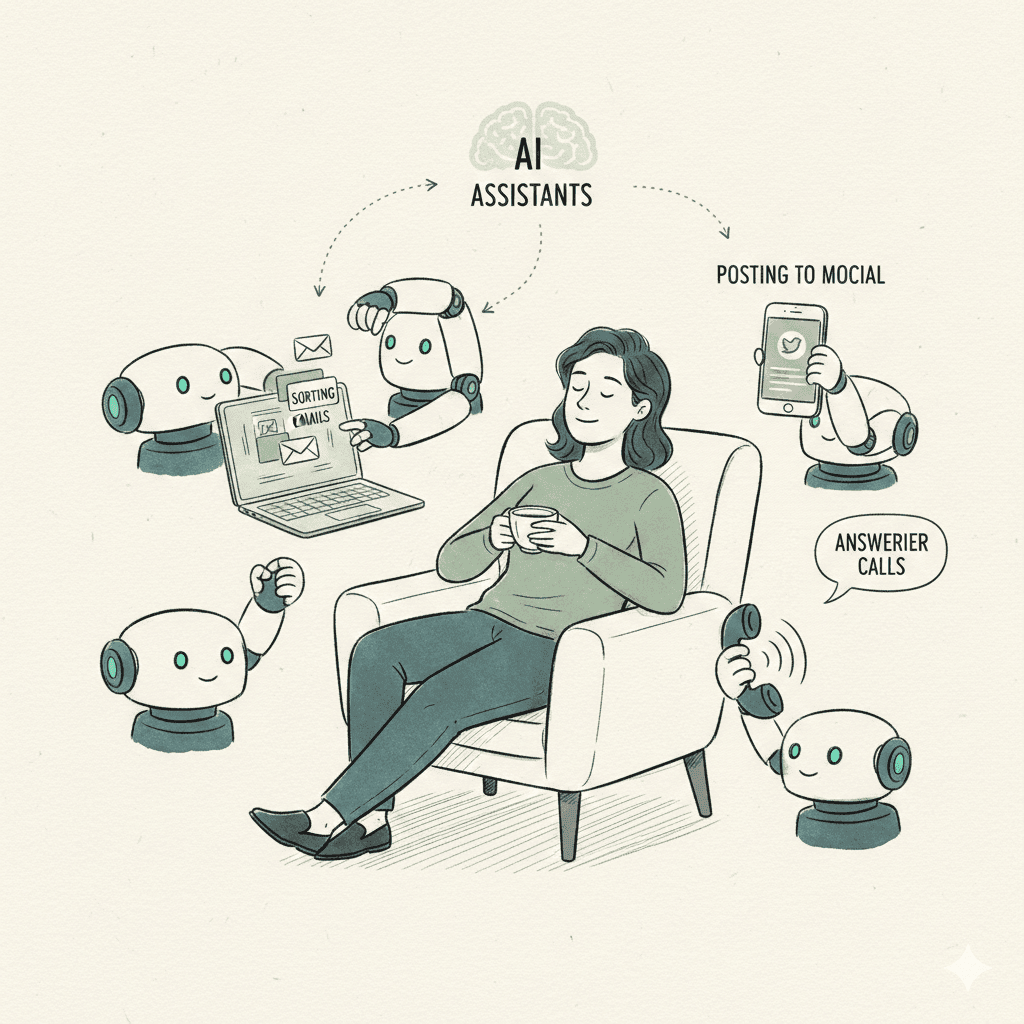
The goal is not to remove humans from every support conversation. The goal is to remove the slow middle steps: finding the right thread, summarizing the issue, drafting the first reply, applying the right label, escalating the risky case, and following up when nobody has time.
For the full cluster foundation, start with how to automate customer support with AI, then use this guide for the specific workflow angle. When you are ready, see how Dooza Agents starts every customer support automation with a refundable pilot — 100% refund within 14 days.
A reliable customer support automation workflow should be small enough to test and clear enough to measure. Start with one support channel and one repeatable request type before expanding.
Good support automation is visible. The user should see what was drafted, what was skipped, what was escalated, and what still needs a human decision.
Dooza builds and runs AI employees for customer support. A Dooza engineer sets up the tools, review steps, and launch with you on a free 30-minute call, and every rollout starts with a refundable pilot — 100% refund within 14 days.
A practical Dooza customer support deployment can include connecting Gmail, defining support categories, writing reply rules, creating labels, drafting first-response templates, setting escalation rules, and reporting the support work that was handled or queued for review.
See how Dooza Agents sets up done-for-you AI customer support, or start with ready-made AI employees on Dooza Workforce. Every Dooza product starts with a refundable pilot — 100% refund within 14 days.
Use the checklist before every new support workflow. A good first workflow can be small, but it should never be vague.
The checklist is successful if it prevents risky automation, reduces setup confusion, and creates a clear weekly support scorecard.
The most useful scorecard is short: average first-response time, support messages summarized, drafts created, edit rate, auto-label accuracy, escalation rate, and unresolved cases. If the scorecard is too long, owners stop reading it and the automation becomes hard to trust.
Watch this related video before mapping the workflow into your business. The video gives practical context; with Dooza, the next step is a free 30-minute pilot call where a Dooza engineer scopes your tools, review rules, and reporting.
customer support automation checklist works best when it starts as a narrow deployment, not a giant transformation project. Connect the right tool, define the support rule, keep risky work human-approved, and measure the result weekly.
If you want help with setup instead of another self-serve tool, book a free pilot call. A Dooza engineer scopes your pilot, and every pilot comes with a 100% refund within 14 days.
Include the support use case, channels, policies, connected tools, approval rules, escalation triggers, test examples, launch owner, and weekly metrics.
Not at first. The safer rollout is to let AI draft, label, summarize, and route support messages, then add auto-send only inside approved rules with clear filters and limits.
Refund exceptions, angry customers, legal threats, medical or financial claims, account security issues, and unusual promises should stay human-reviewed.
Dooza helps deploy AI employees and support workflows with connected tools, business context, approval steps, and reporting. Maily, Dooza's email AI employee, reads Gmail, drafts replies, sends after approval, searches, summarizes threads, and manages labels.
Automate your business with AI employees that work 24/7. Start with a refundable pilot: 100% refund within 14 days.
Conversational AI for customer support works best when it has business context, escalation rules, and connected support tools.
Generative AI customer support helps small teams draft faster replies, summarize conversations, and keep support work organized.
Start with a refundable pilot — 100% refund within 14 days. A Dooza engineer scopes it with you on a free 30-minute call. Pricing depends on the product; see pricing.
Refundable pilot · 100% refund within 14 days · No contracts