Small Business

7 Best AI Tools for Solopreneurs in 2026 (And One Platform That Replaces Them All)

Drowning in subscriptions? You're juggling content creation, email, social media, accounting, and more—all by yourself. See the essential AI tools, then discover how one platform can replace your entire tech stack — starting with a refundable pilot.

12 min read
Updated September 8, 2026
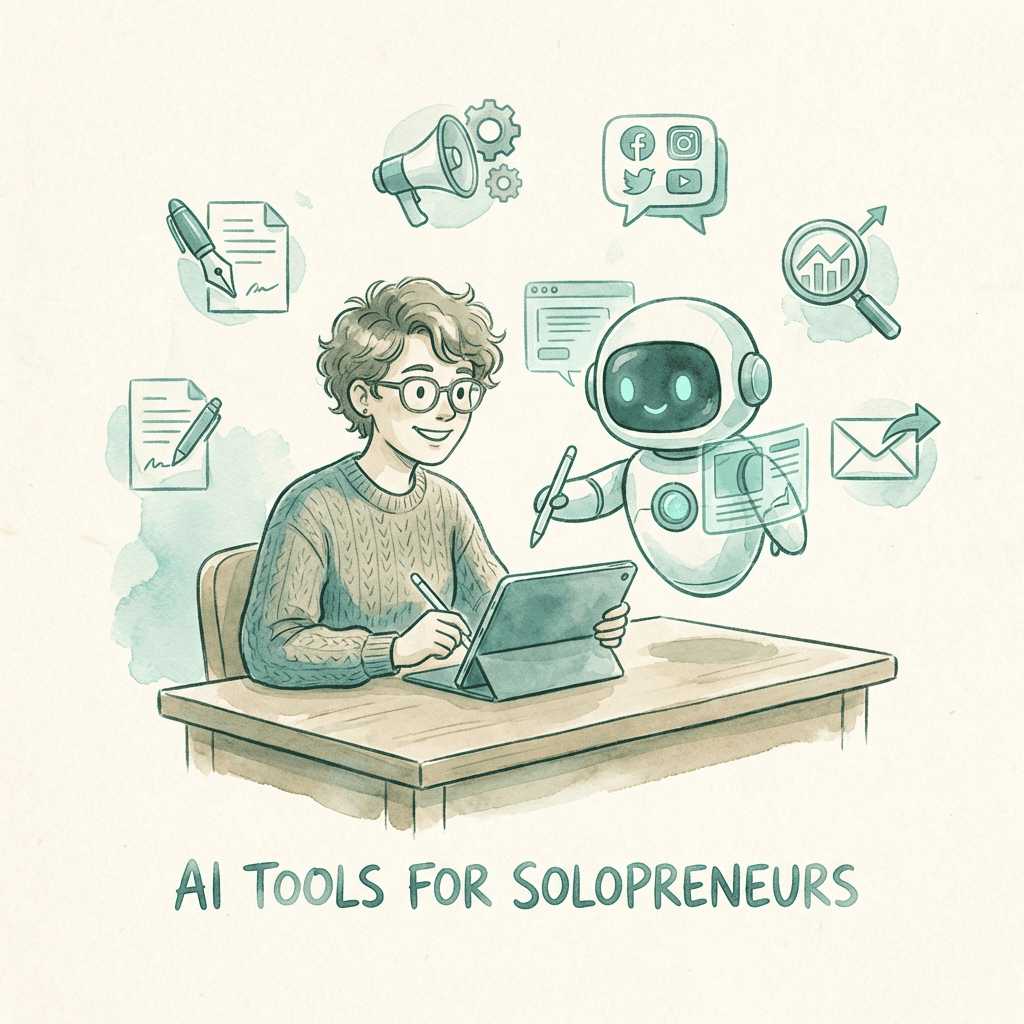
AI tools for solopreneurs showing the essential tech stack and all-in-one alternative

You're running a one-person empire. Content creation, customer service, sales, accounting, marketing—all you. Sound familiar?

Every morning you wake up to a list that never ends. Write blog posts. Design social graphics. Respond to leads. Send invoices. Post on LinkedIn. Schedule meetings. Update your website. The work never stops—because there's only one of you.

But here's the problem: the AI landscape is overwhelming. ChatGPT for writing. Canva for design. Zapier for automation. QuickBooks for accounting. Otter for meetings. Buffer for social media. Before you know it, you're paying for a stack of subscriptions and switching between them all day.

Watch: The Solopreneur's AI Toolkit

The Solopreneur's Dilemma: Tool Stack Chaos

Let's be honest. You didn't start a business to become a software manager.

Yet here you are, juggling 7+ subscriptions, remembering 15 different passwords, and spending precious hours each week just trying to make your tools talk to each other.

Symptoms of Tool Stack Fatigue:

Paying for features you don't use
Forgetting which tool does what
Integration nightmares
Subscription creep (one tool at a time)
Context switching every 10 minutes
Data scattered across platforms
Can't remember all your passwords
Spending more time on tools than work

Build a stack from the seven categories above and you have seven separate tools. That's 7 logins, 7 billing cycles, 7 learning curves, and 7 potential points of failure.

"I realized I was spending 3 hours every morning just getting my tools set up and synced before I could do any real work. That's 15 hours a week—almost half a full-time job—on overhead."
— Solopreneur on Reddit's r/Entrepreneur

The 7 AI Tools Every Solopreneur "Needs" in 2026

Before we show you the better way, let's acknowledge reality. These are the AI tools that every blog recommends, every influencer uses, and every solopreneur eventually adopts. Based on recommendations from Entrepreneur.com and Nextiva's small business research:

1. Content Creation AI

ChatGPT, Jasper, Claude, Copy.ai

Jasper Pro $59-69/seat/mo

Write blog posts, emails, social captions, ad copy, and more. The backbone of modern content marketing.

Blog writingEmail draftsSocial postsAd copy

For a weekly newsletter: HeyNews is an AI newsletter writer that trains on your past issues and drafts new ones in your voice. It watches the sources you pick (RSS, blogs, social, Reddit), scores the stories, and hands you a draft to review before anything is sent, so you can publish every week without giving up the whole afternoon to it.

2. Visual Design AI

Canva AI, Midjourney, DALL-E, Adobe Firefly

Create social graphics, product images, presentations, and brand assets without hiring a designer.

Social graphicsProduct imagesPresentationsLogo variations

3. Email Management AI

Superhuman, Lindy, SaneBox, Mailbutler

Triage inbox, draft responses, schedule sends, and actually hit inbox zero for once.

Auto-draftsSmart sortingFollow-upsScheduling

4. Social Media AI

Buffer, Hootsuite, Later, Sprout Social

Buffer from $5/channel/mo

Schedule posts, generate captions, analyze performance, and maintain consistent presence across platforms without living on your phone.

SchedulingCaption AIAnalyticsMulti-platform

5. Meeting Notes AI

Otter.ai, Fireflies, Grain, Fathom

Otter Pro $16.99/mo

Auto-transcribe meetings, generate summaries, extract action items, and never miss a follow-up again.

TranscriptionSummariesAction itemsSearch

6. Automation Platform

Zapier, Make, workflow automation tools

Zapier Pro $19.99-29.99/mo

Connect your apps, automate workflows, and eliminate repetitive tasks. The glue that holds your tech stack together.

App connectionsWorkflowsTriggers500+ integrations

7. AI Accounting

QuickBooks AI, FreshBooks, Wave, Xero

QuickBooks from $38/mo

Auto-categorize expenses, generate invoices, track time, and prepare for taxes without spreadsheet nightmares.

Expense trackingInvoicingTax prepReports

Prices shown are from each vendor’s own pricing page (checked Oct 2026), US plans, monthly billing unless noted (Jasper per seat, Buffer per channel on Essentials, Zapier $29.99 monthly or $19.99 billed annually). Tools without a price here have no price we could verify, so check the vendor.

The Real Cost of Your AI Stack

Social Media (Buffer Essentials, 1 channel)$5/mo
Meetings (Otter.ai Pro, monthly)$16.99/mo
Automation (Zapier Pro, monthly)$29.99/mo
Accounting (QuickBooks Simple Start)$38/mo
Total for these 4 (verified items only, checked Oct 2026)$89.98/mo
Content, design and email toolsnot included
Annual Cost (verified items only)$1,079.76/year

* And this doesn't count the time you spend switching between and managing separate tools

The Problem: More Tools ≠ More Productivity

Here's what nobody tells you about that 7-tool AI stack:

Nothing Actually Integrates

Your content AI doesn't talk to your social scheduler. Your email tool doesn't know about your CRM. You need Zapier just to make them work together—that's another subscription and another learning curve.

Context Switching Kills Productivity

Every jump between apps breaks your focus, and getting back into deep work takes time. With seven separate tools, you're switching contexts all day. Track how often you change apps in a normal day before adding another one.

Feature Overlap = Wasted Money

ChatGPT can write social posts. So can Jasper. And Hootsuite has AI now too. You're paying for the same capability three times. Multiply this across your entire stack.

No Unified Memory

Each tool starts fresh. Your email AI doesn't remember what you wrote in your blog post. Your social AI doesn't know your brand voice from your content tool. There's no continuity.

The Solution: One Platform, Multiple AI Employees

What if instead of subscribing to 7 different tools, you had one platform with pre-built AI employees—each specialized for a specific business function, but all working together seamlessly?

That's the approach platforms like Dooza are taking. Instead of cobbling together ChatGPT + Canva + Buffer + Superhuman + Zapier, you get:

Dooza's Pre-Built AI Employees

Email Employee

Manages inbox, drafts responses, schedules follow-ups

Social Media Employee

Creates content, schedules posts, engages with audience

SEO Employee

Optimizes content, tracks rankings, suggests keywords

Sales Employee

Qualifies leads, sends outreach, books meetings

Content Employee

Writes blogs, emails, ads—in your brand voice

Research Employee

Analyzes competitors, finds opportunities

Start with a
14-day refundable pilot
Start your pilot

Why This Approach Works Better

Unified Memory

Your email employee knows what your content employee wrote. Context flows across every function.

Zero Integration Headaches

No Zapier. No APIs. No webhooks. Everything just works together out of the box.

One Login, One Bill

Forget juggling subscriptions. One platform, one invoice, one set of credentials.

Pre-Trained for Business

These aren't generic chatbots. Each AI employee is built for specific business functions.

Maintained for You

Updates, improvements, and new capabilities added without you lifting a finger.

Cost Comparison: Tool Stack vs All-in-One

Feature7-Tool StackDooza
Monthly Cost$89.98+ for 4 verified tools (checked Oct 2026)Varies by product — see pricing
Annual Cost$1,079.76+ (verified items only, checked Oct 2026)Refundable pilot (100% refund within 14 days)
Number of Logins7+1
Integration SetupHours of ZapierNone needed
Unified Memory
Learning Curve7 different UIs1 simple interface
Technical Skill RequiredMedium-HighNone
Support7 different companies1 dedicated team

What You Get Back with Dooza

Switching from a 7-tool stack to one platform gives you:

1 bill
Instead of 7 subscriptions
5-10 hrs
Per week on tools
50+ days
Per year for actual work

How to Get Started

Ready to ditch the tool stack chaos? Here's how to make the switch:

1

Audit Your Current Stack

List every AI tool you're paying for. Add up the monthly cost. Be honest about which ones you actually use vs. 'meant to use.'

2

Start a Dooza Pilot

Every Dooza product starts with a refundable pilot — 100% refund within 14 days. See how the AI employees work on real tasks—an email, a social post, a blog outline.

3

Cancel the Overlap

Once you see Dooza handling your content, email, and social—cancel the redundant subscriptions you no longer need.

4

Reinvest the Savings

Whatever you stop paying for overlapping tools? Put it toward advertising, product development, or—radical idea—pay yourself more.

Stop Managing Tools. Start Building Your Business.

Replace your tool stack chaos with one platform. AI employees that work 24/7. Start with a refundable pilot — 100% refund within 14 days.

Frequently Asked Questions

What AI tools do solopreneurs need in 2026?

Solopreneurs in 2026 need AI tools for content creation (ChatGPT, Jasper), visual design (Canva AI, Midjourney), email management (Superhuman), social media scheduling (Buffer, Hootsuite), meeting transcription (Otter.ai), automation (Zapier, Make), and accounting (QuickBooks). However, managing 7+ subscriptions can cost several hundred dollars a month once subscriptions stack up. Platforms like Dooza consolidate these functions into pre-built AI employees in one app. Pricing depends on the product (see dooza.ai/pricing), and every Dooza product starts with a refundable pilot — 100% refund within 14 days.

How much do AI tools cost for a solopreneur?

Individual AI tools vary widely, from free tiers to tens of dollars a month each (see each vendor’s pricing page). A full stack covering content creation, design, email, social media, automation, and accounting adds up quickly. All-in-one platforms like Dooza bundle multiple AI employees into one app, which can replace several overlapping subscriptions and reduce tool fatigue. Dooza pricing depends on the product (see dooza.ai/pricing), and every Dooza product starts with a refundable pilot — 100% refund within 14 days.

Can AI replace a virtual assistant for solopreneurs?

AI can handle many VA tasks including email management, scheduling, social media posting, content drafting, and lead response. For repetitive, 24/7 tasks, AI is often more cost-effective. However, human VAs still excel at relationship-building, complex judgment calls, and tasks requiring emotional intelligence. Many solopreneurs use both: AI for automation and human VAs for high-touch work.

What is tool stack fatigue?

Tool stack fatigue occurs when solopreneurs juggle too many separate software subscriptions. Symptoms include: spending more time managing tools than doing actual work, paying for overlapping features, forgetting passwords, dealing with integration issues, and subscription creep. Consolidating overlapping tools reduces cognitive load and often cost.

Is Dooza good for solopreneurs?

Dooza is an AI-native company that builds AI products and services for small businesses, including solopreneurs who need AI automation without technical complexity. The Dooza Workforce app gives you pre-built AI employees for email, social media, SEO, sales, and more. Unlike building your own tool stack or using developer-focused platforms like MoltBot, Dooza requires no coding, no integrations, and no maintenance—making it ideal for one-person businesses. Every Dooza product starts with a refundable pilot — 100% refund within 14 days.

How much time can AI tools save solopreneurs?

It depends on how much of your week goes to repeatable work. The biggest savings usually come from first drafts (emails, posts, blog outlines), meeting notes and follow-ups, and scheduling social posts in batches. A simple way to measure it: log how long each recurring task takes for one week, hand it to an AI tool for the next week, and compare. Keep the tools that clearly save time and cancel the rest.
Sources & References

Related Articles

Small Business Marketing Tools: The Complete Guide for 2026
Small Business

Small Business Marketing Tools: The Complete Guide for 2026

52% of small businesses spend under $1,000 a month on marketing (LocaliQ 2026), so every tool has to earn its place. Learn which tools actually matter and how AI is changing the game.

14 min read
Read
Customer Service Outsourcing for Small Business: AI vs BPO vs Freelancers
Small Business

Customer Service Outsourcing for Small Business: AI vs BPO vs Freelancers

Explore customer service outsourcing for small businesses in 2026. Compare BPO agencies, freelancers, and AI agents with 24/7 coverage.

12 min read
Read

Ready to scale your business?

Start with a refundable pilot — 100% refund within 14 days. A Dooza engineer scopes it with you on a free 30-minute call. Pricing depends on the product; see pricing.

Refundable pilot · 100% refund within 14 days · No contracts